This store requires javascript to be enabled for some features to work correctly.

I will say as far as working it seems rock solid. I didn't have any issues with my Speaker Hub, I just wanted it all local. I would add some caveats for setup though (And the reason it's getting 4 not 5 stars), figuring out how to migrate from a non-local Yolink network to the local one could be a little better documented. Figuring out you have to go into the hub, then local network to move things was not clearly explained.
Secondly for home assistant you have to change plugins. Not a huge thing, just takes some googling.
Would I do it again, yes I would, the hub is solid, and I don't worry about the internet going down. Better migration instructions is my complaint.
Last year I placed a review expressing some of my frustrations that came with an early purchase when the hub was released. Though some limitations may still apply as far as what is exposed to Matter specifically in Home Assistant, this should be considered with certain devices, YoLink has not been sitting still in making improvements. I hope that enough people make the investment to keep the project worthwhile for the developers. I can say that there was a quirk at the time of my early purchase in getting things set up but YoLink support was very helpful in getting it resolved quickly. The hub itself has been very consistent in it's performance over the course of a year. It works quite well I must say. Home assistant users who want local control should not hesitate to add this to their device collection. I have used my Wifi to block internet access to the hub and everything continues to operate in HA Matter as expected. Thank you for following through with this, YoLink. Please keep the local development going so we can have full device support across the board in Matter. It took a while, but you delivered on the promise, this is great!
It extend functionality, linking YoLink and Smartthings automation and control.
I've been using the YoLink Local Hub for a while now, and it's been rock solid. The biggest reason I got it was for local automation – and it works exactly as promised. Even when my internet went down, my automations kept running without any issues.
Setup was super easy. I used an Ethernet cable for the fastest connection, but it also supports WiFi. The app guides you through everything step by step.
What really impressed me is the built-in backup battery. During a recent power outage, the hub stayed online for hours while everything else went down. That's real peace of mind.
It also supports Matter and local API, so it integrates nicely with my smart home setup. The app is clean and easy to navigate.
If you want a reliable, private, and truly local smart hub – this is it. Highly recommended.
Built this: https://github.com/tyandl/yolink-api to integrate with it. A few minor quibles with documentation to get it working on localhub.
And used that to build: https://github.com/tyandl/homelink where I noticed a quirk of the mqtt events on the doorlock. State changed event only fired for lock. Alert only fired on unlock... I'd expect statechaged on both lock and unlock.
Still tinkering. Would love your feedback.
YoLink Local Hub:
- YoLink Local Hub, Smart Home Gateway: Local API, Local Automation, WiFi & Ethernet, Long-Range LoRa, Internet Required for Initial Setup & Configuration, YS1606
- Flexible & Reliable Connectivity: Connect the Hub to your router via Ethernet cable or WiFi for a stable connection. This link is required for initial provisioning and remote App access. However, once configured, the Hub ensures that your pre-configured local automations and Local API integrations continue to function even if your external internet connection goes down.
- App-Based Management: The YoLink App provides an intuitive interface for setup and monitoring. Please Note: An active internet connection is required to provision the hub, create or modify local automation rules, and sync device settings.
- Local Execution & Low Latency: Once your local automation rules are synced, the Hub executes them locally. This means your schedules, timers, and device automations don't have to wait for a cloud signal to travel back and forth, resulting in instant response times and higher reliability during internet outages.
-
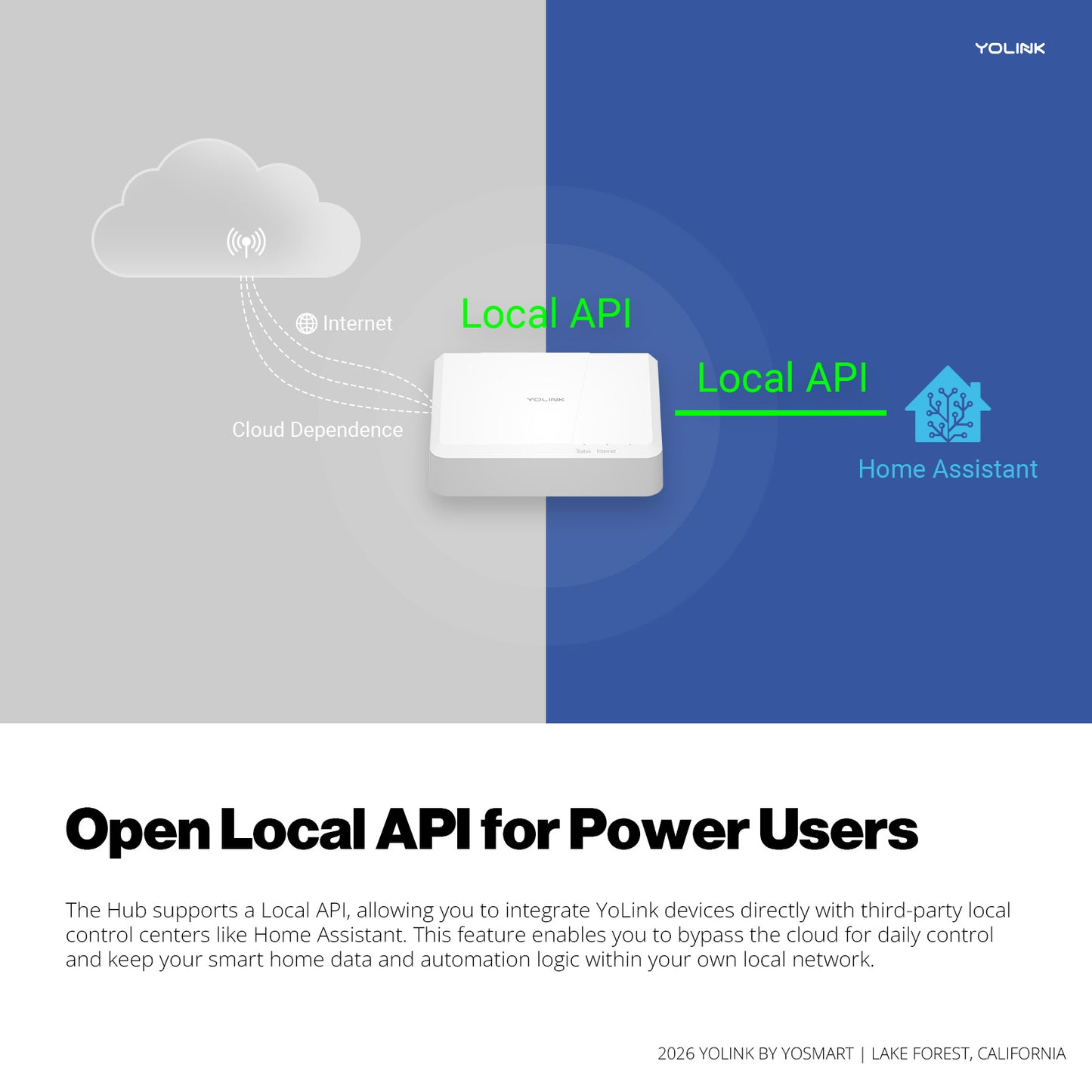
Open Local API for Power Users: The Hub supports a Local API, allowing you to integrate YoLink devices directly with third-party local control centers like Home Assistant. This feature enables you to bypass the cloud for daily control and keep your smart home data and automation logic within your own local network.
- 1/4-Mile Range & Battery Backup: Powered by LoRa technology, the Hub maintains a robust connection with devices up to 1/4 mile away. It includes an internal backup battery that keeps your local automation environment active for up to 4 hours during power outages. Please Note: For Local API or App access to function during a blackout, your home’s network infrastructure (router/switch) must also remain powered and active.